
AI Headshot Generator for LinkedIn
Get a sharper professional profile image while avoiding the plastic, over-edited look that makes recruiters hesitate.
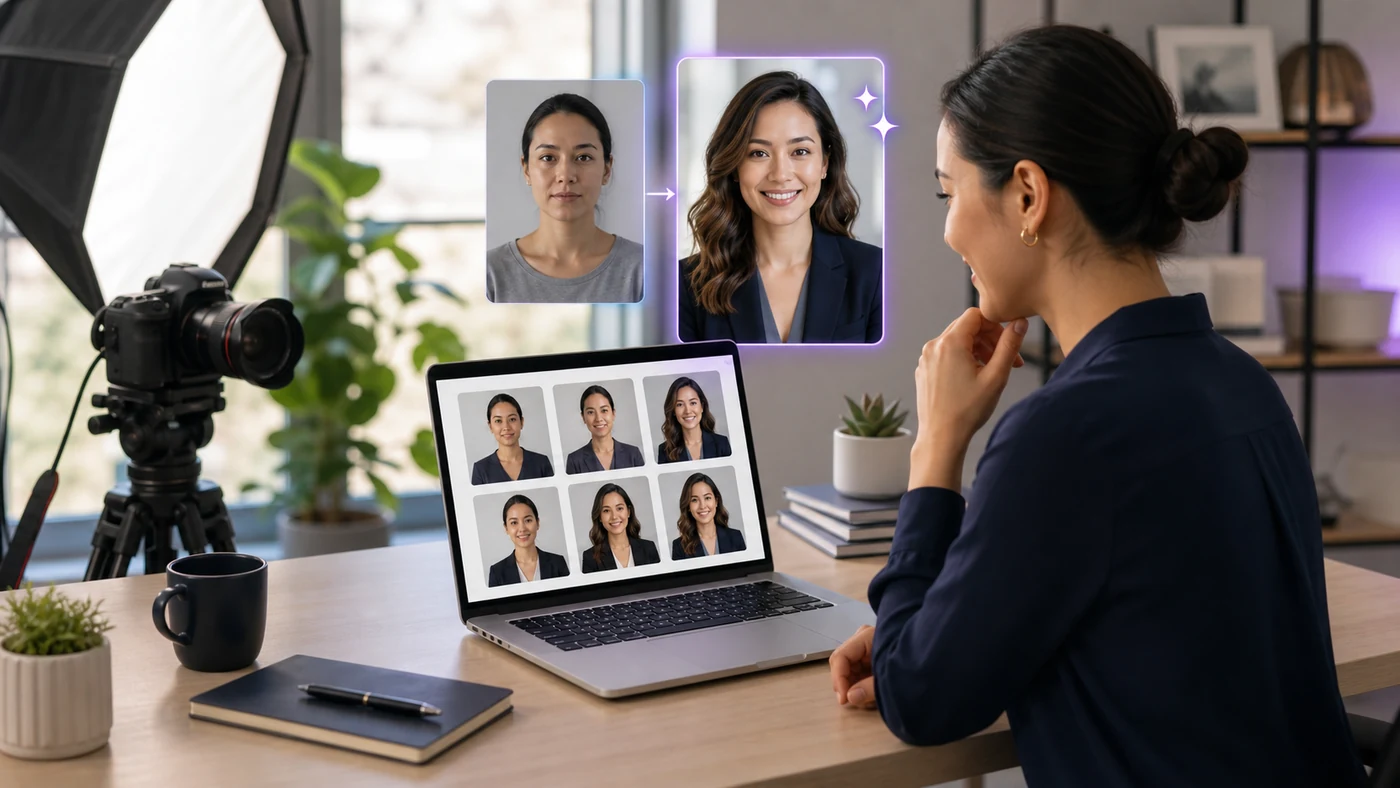
Quick Answer for LinkedIn AI Headshots
An AI headshot generator for LinkedIn is useful when you need a clean, professional profile photo and do not have time for a studio session. The result still needs to look like you on a normal workday.
The best AI headshots keep your face shape, age, expression, and personal style intact. They improve lighting and background first, then clothing and polish second.
I would not use a photo that makes you look like a different person. A LinkedIn profile photo is a trust signal, not a fashion ad.
That is why I judge an AI headshot generator for LinkedIn by accuracy before style variety.
For adjacent AI career and productivity tools, check AIListPrime AI Guides and AI Tool Reviews.
Best Professional AI Headshot Generator Uses
AI headshot tools work best for polishing normal photos into business-ready options. They are weaker when you ask them to create a new identity, body type, or unrealistic executive portrait.
Create a clean headshot when you cannot schedule a photographer quickly.
Give distributed teams a consistent look without forcing everyone into one studio.
Replace busy rooms, harsh shadows, or distracting crops with a calmer professional look.
Tools such as Canva, Adobe Firefly, and dedicated headshot services can help, but privacy terms and likeness quality matter more than the number of styles.
How I Test AI Profile Photo Generator Output
I test with casual indoor photos, outdoor daylight photos, and older profile images. The goal is not to find the most dramatic upgrade. It is to find the most believable professional version.
LinkedIn AI Headshot Scenario
When I tried a profile-photo workflow, the best output kept the same smile, face shape, and hairline while improving background and lighting. The weak output changed jaw shape, brightened eyes too much, and added a suit that felt unrelated to the person’s role.
I also zoom in on ears, teeth, glasses, and collar edges. These small details often reveal whether the headshot will look trustworthy at profile size and in a larger recruiter view.
AI Headshot Generator Comparison
Choose the workflow based on how much control and privacy you need.
| Tool type | Best for | What to check | Risk level |
|---|---|---|---|
| Dedicated AI headshot service | Many outfit and background options | Likeness, privacy terms, deletion controls | Medium |
| Design suite portrait editor | Light cleanup and background fixes | Manual control and export quality | Low |
| General image generator | Creative profile concepts | Face drift and identity changes | High |
| Photographer plus AI retouching | Executives and public-facing teams | Natural retouching and brand consistency | Low |
For LinkedIn, accuracy beats glamour. A realistic photo with good lighting is usually stronger than an image that looks expensive but unfamiliar.
LinkedIn AI Headshot Pitfalls
The main risk is trust. If your photo feels synthetic, the profile can feel synthetic too.
- Face drift: the image changes age, expression, face shape, or hairline.
- Unrealistic clothing: formal suits may not fit a designer, engineer, founder, or local service role.
- Over-retouching: skin and eyes can look too smooth or bright.
- Privacy uncertainty: face data is sensitive, so review upload, retention, and deletion policies.
- Mismatch with real interviews: your headshot should match how you appear on calls and in meetings.
AI Headshot FAQ
Is an AI headshot generator for LinkedIn worth using?
It can be worth using if the result still looks like you and fits your industry, role, and personal brand.
What makes an AI LinkedIn headshot look fake?
Over-smoothed skin, changed face shape, strange eyes, unrealistic suits, and studio lighting that does not match the person.
Should I use an AI headshot instead of a real photo?
A real photo is still best when available. AI is useful when you need cleaner lighting, background options, or quick professional variations.
How many photos should I upload to an AI headshot tool?
Use several clear photos with different angles and lighting, but avoid uploading sensitive images if you have not reviewed the tool’s privacy policy.
Next Step for AI Headshot Generator Tools
Generate a small set of professional options, then choose the one that looks most accurate at thumbnail size. Keep the style close to your real work environment.
For more AI workflow advice, visit AIListPrime AI Guides.