
AI Guides
Best AI SOP Generator Tools for Teams That Need Cleaner Process Docs
An AI SOP generator is useful when your team already knows how work gets done, but nobody wants to turn every click, handoff, and approval into a clean standard operating procedure. The best tools do not just write a generic checklist. They capture the process, remove clutter, and make the document easier to train from.
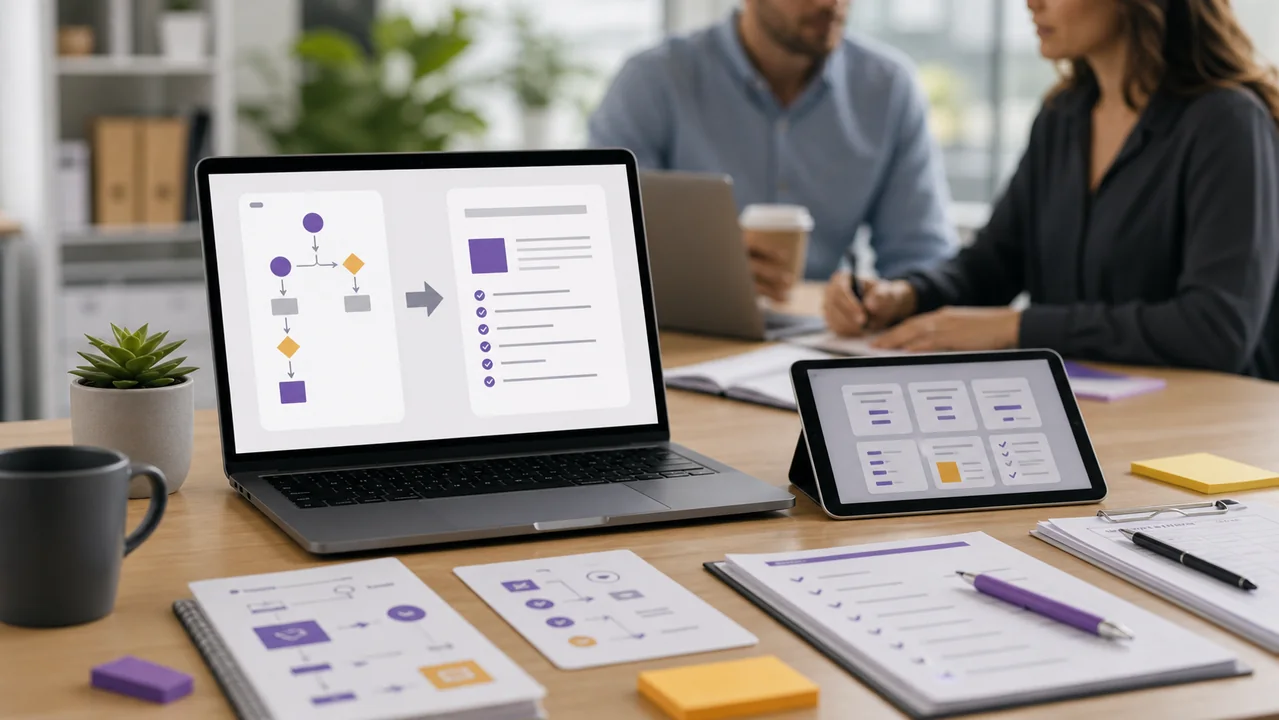
Quick Answer: Best AI SOP Generator by Use Case
If you need step-by-step documentation from a screen recording, start with Scribe or Tango. If your SOPs need short training videos, Guidde is a better fit. If your goal is company-wide onboarding and process governance, Trainual belongs on the shortlist.
My practical recommendation: do not choose an AI SOP generator only by how fast it writes. Choose it by how easy it is to update the SOP after your workflow changes.
AI SOP Generator Tools Compared for Process Documentation
The table below focuses on real workflow fit. Pricing, free-plan limits, and AI credits can change, so check each official site before you commit to an annual plan.
| Tool | Best fit | Why teams use it | Watch before buying |
|---|---|---|---|
| Scribe | Browser-based workflow capture and step-by-step SOPs. | It turns captured actions into screenshots and instructions with less manual formatting. | Review sensitive screens before sharing. Capture tools can accidentally include private data. |
| Tango | Quick internal guides for software tasks and support processes. | It is useful when the team needs a simple guide fast, not a large training system. | Long workflows still need editing. Break big processes into smaller SOPs. |
| Guidde | AI-assisted video documentation and visual SOPs. | It helps explain workflows where movement, timing, or UI context matters. | Video can age faster than written steps when software interfaces change. |
| Trainual | Training manuals, onboarding, policies, and process ownership. | It connects SOPs to people, roles, and business operating systems. | It may be more platform than a small team needs if you only want quick screenshots. |
For a broader view of why AI agents still struggle with messy real-world procedures, this research paper on SOP following is worth reading. It reinforces a simple point: your process document still needs human review.
What Makes an AI SOP Tool Actually Useful?
A good AI SOP tool should reduce documentation friction without making the process harder to trust. When I test these tools, I look for six things before I care about polished templates.
- Capture accuracy: the tool should record clicks, fields, and page changes without adding steps that never happened.
- Editable output: every sentence, screenshot, title, and step order should be easy to revise.
- Redaction controls: teams need a way to hide names, customer data, internal URLs, and private values.
- Update workflow: a stale SOP is worse than no SOP because it trains people into the wrong habit.
- Sharing controls: links, permissions, and exports should match how your team works.
- Training fit: the output should help a new employee complete the task, not just prove that documentation exists.
Uncommon but practical tip: test the tool on a process that has one exception path. For example, document a refund request that can be approved or escalated. Weak AI SOP tools often handle the happy path and ignore the decision point.
A Practical AI SOP Automation Workflow
The cleanest workflow I have found is capture first, summarize second, and govern third. If you ask AI to invent the SOP before it sees the real process, the draft may sound confident but miss the details that matter.
Step 1: Record the Real Process Once
Use a capture tool while a strong team member completes the task slowly and deliberately. Do not record a rushed version. The goal is not speed; it is a clean reference run.
Step 2: Remove Private Data Before Sharing
Before the SOP reaches a team library, scan every screenshot and generated sentence. Look for customer names, invoices, email addresses, API keys, internal account IDs, and private Slack channels.
Step 3: Add the Decision Rules AI Missed
This is where most AI process documentation gets better. Add the rule that tells someone when to stop, escalate, ask finance, involve legal, or use a backup workflow.
Step 4: Test the SOP With a New Person
Ask someone who does not own the process to follow the document. If they need to ask three questions, those questions belong in the SOP.
Use this review prompt after generating an SOP:

Review this SOP for a new employee.
Find missing decision points, unclear steps, privacy risks, outdated screenshots, and steps that require owner approval.
Return a short fix list with the highest-risk issue first.
How to Choose an AI SOP Tool Without Overbuying
The wrong purchase usually happens when a team buys for the future library instead of the current bottleneck. Before you compare feature pages, decide what kind of documentation pain you actually have.
Choose Capture-First Tools for Repeated Software Tasks
If your team documents browser tasks, admin panels, CRM updates, support workflows, or finance approvals, a capture-first AI SOP generator is usually the best starting point. The tool sees the workflow and gives you a structured draft instead of making you describe every click from memory.
This is where Scribe and Tango make sense. They are not trying to become your whole training department on day one. They solve the boring part of process documentation: turning a real screen workflow into usable steps.
Choose Video SOP Tools When Timing Matters
Some processes are hard to understand from screenshots. If a task depends on a sequence, a visual setting, a handoff, or a product walkthrough, video can make the SOP easier to follow.
That is where Guidde has a stronger case. Written SOPs are easier to skim and update, but video is often better for customer success teams, product education, and internal software walkthroughs.
Choose Training Platforms When SOPs Need Ownership
If your team already has scattered docs, unclear owners, and inconsistent onboarding, you may need more than an SOP writer. A training platform can connect process docs to roles, tests, policies, and employee accountability.
Trainual fits that category better than a lightweight capture tool. It may be more than a two-person team needs, but it can be useful when process documentation has become an operating problem.
Buying filter: if the SOP will only be read by three people this month, choose speed and simplicity. If it will train every new hire for the next year, choose ownership, review cycles, and permissions.
When an AI SOP Generator Is Not Enough
AI process documentation tools are useful, but they are not a substitute for process design. If nobody agrees on the right way to do the task, the tool will only make the confusion look cleaner.
- Use a workshop first when different employees follow different versions of the workflow.
- Use legal or compliance review when the SOP touches regulated data, financial approvals, health information, or security controls.
- Use a process owner when the workflow changes often and someone must keep the documentation alive.
- Use a human editor when the SOP explains judgment, escalation, exceptions, or customer communication tone.
The best result usually comes from a mixed workflow: AI captures and drafts, a process owner checks accuracy, and a manager confirms that the SOP matches the team’s actual standard.
Common Mistakes With AI Process Documentation
The main risk is not that the AI writes badly. The bigger risk is that the document looks finished before anyone checks whether it matches the work.
Mistake 1: Turning Every Workflow Into One Long SOP
Long SOPs feel complete, but they are hard to maintain. Split processes by outcome: create account, approve refund, publish blog post, close ticket, renew contract.
Mistake 2: Ignoring Ownership
Every SOP needs an owner. Without one, nobody updates the document when your software, policy, or team structure changes.
Mistake 3: Publishing Screenshots With Sensitive Data
AI capture tools can make documentation so fast that people forget review. Build redaction into your workflow before the first SOP goes live.
Mistake 4: Measuring SOP Success by Document Count
More SOPs are not always better. Measure whether new hires finish tasks faster, support tickets drop, handoffs improve, and managers answer fewer repeat questions.
AI SOP Generator FAQ
What is an AI SOP generator?
An AI SOP generator is software that helps create standard operating procedures from prompts, process recordings, screenshots, videos, or existing documentation. The best ones still need human review before publication.
Which AI SOP tool is best for small teams?
For small teams, Scribe or Tango is usually the simplest starting point because they focus on capturing software workflows quickly. Trainual is better when you also need onboarding and process ownership.
Can ChatGPT create SOPs?
Yes, ChatGPT can draft SOPs from notes or transcripts, but it does not capture screenshots or verify the real workflow by itself. Pair it with a capture tool when accuracy matters.
How often should AI-generated SOPs be updated?
Review core SOPs at least quarterly and whenever a tool, policy, owner, or compliance rule changes. The update schedule matters more than the first draft.
Next Step: Choose the Right AI SOP Generator
Pick one process your team repeats every week and document it with two tools: one capture-first tool and one training-focused tool. The better choice will be obvious when a teammate tries to follow the SOP without your help.