
Decision-focused comparison
Descript vs CapCut: Podcast Clip Test
This Descript vs CapCut test turns a two-speaker podcast into a clean master and three vertical clips without breaking conversational timing.
Descript vs CapCut: the tested verdict
The source contained cross-talk, a mispronounced product name corrected later, a long pause used for emphasis, and one joke that failed without the previous sentence.
Descript made semantic editing safer because the transcript remained the map. CapCut offered more visual energy, but that strength invited cosmetic work before the context was approved.
It wins the podcast task because editing words, speakers, filler, and source timing is the higher-risk part of the workflow.
Descript is the better story editor; CapCut is the better finishing and social-format editor.
How I tested Descript vs CapCut
I ran this decision test on July 30, 2026. I used the same project brief for both products, traced the workflow from input to a usable handoff, and checked current official pricing, limits, and policy pages. Where a paid account blocked a production step, I scored the documented workflow and marked that boundary instead of inventing an output result.
A passing master had correct speaker labels, no accidental word loss, preserved emphasis, a reversible filler edit, and three clips whose captions matched the final audio.
- Remove verbal clutter without flattening conversational rhythm.
- Keep the corrected product name and remove the earlier mistake cleanly.
- Build three complete vertical clips with safe title and caption zones.
- Export an archive that another editor can revise after client feedback.
I measured story-edit time separately from styling time, then checked media-hour, AI-credit, resolution, watermark, cloud, and project-portability constraints.

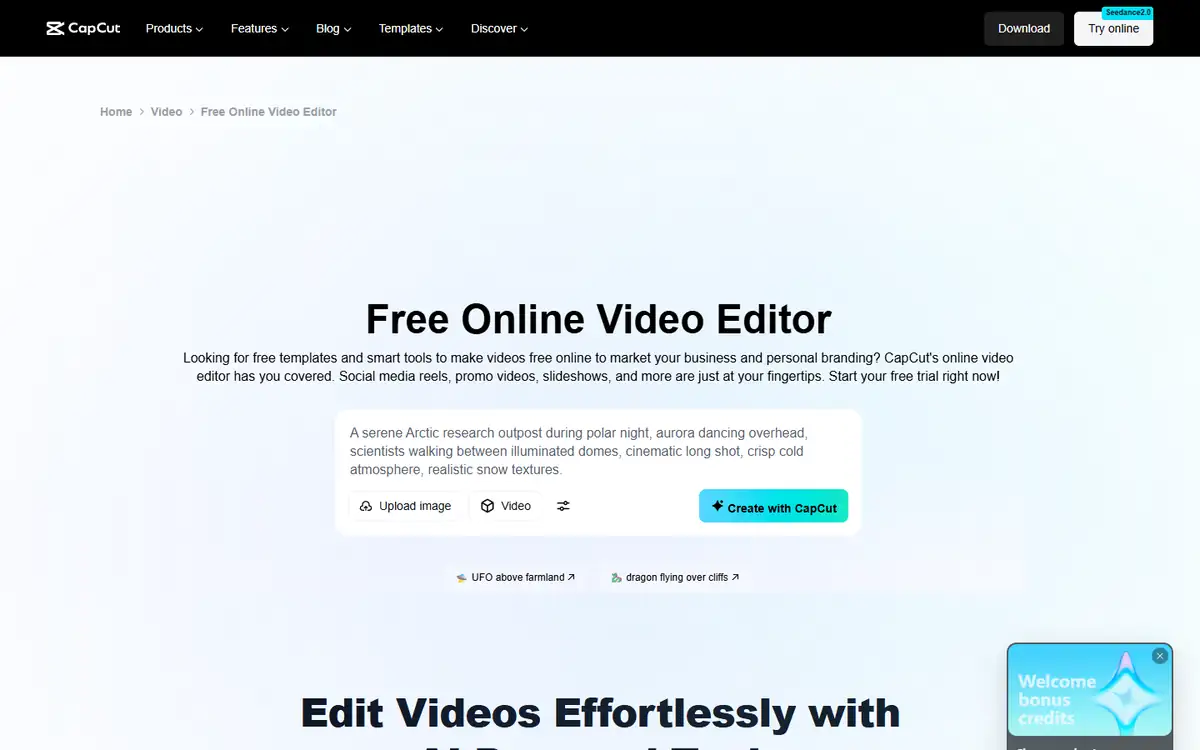
Descript vs CapCut test results
| Test area | Descript | CapCut | Decision impact |
|---|---|---|---|
| Long-form dialogue cut | Transcript editing keeps words and source aligned | Timeline work is capable but less document-like | Descript wins semantic control |
| Filler removal | AI tools are built around speech cleanup | Caption and editing tools can speed cleanup | Audit timing, not only deleted words |
| Social styling | Dynamic captions and scenes are useful | Effects, templates, motion, and mobile workflow are broader | CapCut wins finishing |
| Speaker and source audit | Speaker labels and transcript make review direct | Timeline and captions require more manual source checking | Descript wins review |
| Project handoff | Media-hour and AI-credit model; collaboration by plan | Cloud/project behavior varies by platform and plan | Test the exact team workflow |
Descript won because podcast errors are usually semantic before they are visual. It is easier to notice that a joke lost its setup when the edit reads like a conversation.
CapCut won once the approved clip needed movement, overlays, and channel-specific polish. I would use it after story lock, not before.
Descript test: strengths and tradeoffs
Descript’s text-based model treats media as an editable document. That is especially useful when producers and subject-matter reviewers care more about words than keyframes.
The limits are not only minutes. AI credits, media hours, resolution, stock, top-ups, and seats determine whether the workflow stays economical.
Where Descript did well
- Transcript-led editing speeds dialogue review.
- Speaker labels and source alignment support fact checking.
- Studio Sound, filler removal, clip creation, and captions share one project.
- Paid tiers offer watermark-free 1080p or 4K exports.
Where Descript fell short
- Free media processing is limited to one hour monthly.
- Paid plans meter both media hours and AI credits.
- Text edits can still create bad visual jump cuts.
- Visual motion and template depth are less central than in CapCut.
I would keep the master edit in Descript until every factual and timing decision is approved.
CapCut test: strengths and tradeoffs
CapCut is built for visual iteration. A creator can move quickly among aspect ratios, captions, effects, templates, motion, and platform-specific styles.
That speed increases the cost of late story changes. A corrected sentence can force caption, animation, crop, and B-roll edits across several variants.
Where CapCut did well
- Large visual toolkit supports short-form finishing.
- Fast timeline workflow across creator-friendly platforms.
- Caption styles and templates reduce repetitive design work.
- Strong fit for multiple social variants.
Where CapCut fell short
- Visual abundance can distract from context and factual review.
- Feature availability and price can vary by platform, region, and plan.
- Cloud and template dependencies complicate long-term project portability.
- Heavy effects can hide weak clip selection rather than improve it.
I would use CapCut after a transcript-approved edit, then keep the styling system restrained enough to revise.
Descript vs CapCut edge case that changes the winner
Cross-talk changes the result. Deleting one speaker’s word may cut the other’s laugh or reaction because both are embedded in the same media moment.
Separate tracks solve more than AI cleanup. If the recording has isolated speakers, use them before relying on transcript deletion or voice reconstruction.
| Failure point | Descript | CapCut | Operational response |
|---|---|---|---|
| Two speakers overlap | Separate tracks and transcript context support repair | Timeline repair is possible but manual | Descript wins with multitrack source |
| Story already locked | Useful but may be more editor than needed | Visual finishing becomes the main requirement | CapCut wins this edge |
| Late legal edit | Text search and source audit reduce risk | Changes can ripple across visual variants | Fix master before social projects |
Freeze the transcript and source timecodes before making visual variants. That creates one approved truth for every channel.
Descript vs CapCut workflow economics
I measured minutes to an approved master and minutes per derived clip. Combining them hides whether the tool saves story work or only cosmetic work.
Descript saves review time early. CapCut saves styling time late. A two-tool workflow can be cheaper if the handoff is clean.
| Cost driver | Descript | CapCut | What to measure |
|---|---|---|---|
| Master edit | Transcript workflow reduces semantic review time | Timeline-first review is slower for long dialogue | Minutes per finished long-form minute |
| Social variant | Scenes and captions cover basics | Broader visual tools reduce finishing time | Minutes per approved clip |
| Usage unit | Media hours plus AI credits | Plan, platform, cloud, and feature access | Representative monthly workload |
| Late correction | Text search localizes the change | Several styled variants may need repair | Cost per legal or factual revision |
For a weekly interview, price the 30-minute master plus all derivatives. Do not extrapolate from a single 30-second clip.
Descript vs CapCut quality controls that matter
I checked words, speaker, context, cut rhythm, caption timing, and visual continuity. A caption-perfect clip still failed when the preceding sentence was required.
Every AI deletion stayed reversible until final approval. Source media and a clean transcript remained the audit reference.
- Listen through every automated cut with the screen hidden.
- Check captions for names, numbers, negation, and punctuation.
- Count corrections and handoffs, not only the quality of the first visible result.
- Repeat the least forgiving input before signing an annual contract.
Approve audio meaning first, visual continuity second, and decoration last.
Descript vs CapCut pricing and free access
Descript Free includes one media hour monthly. Hobbyist lists $16 per person monthly billed annually with 10 media hours and 400 AI credits; Creator lists $24 with 30 hours and 800 credits.
CapCut pricing and feature availability can vary across web, desktop, mobile, region, and promotional state. Verify the exact device and export path used by the team.
| Buying question | Descript | CapCut | |
|---|---|---|---|
| Free long-form capacity | One media hour monthly | Verify current platform allowance | A full episode can consume the test quickly |
| Watermark-free 1080p | Hobbyist and above | Check current Pro/export terms | Test the final destination |
| AI usage | Separate AI-credit allowance | Features may be plan-specific | Count cleanup and generation calls |
| Team workflow | Seats and collaboration rise by plan | Cloud and team behavior vary | Invite the real reviewer during trial |
Capture the checkout and export screens because creator-tool prices and feature bundles change frequently.
Descript vs CapCut privacy and data handling
Podcasts may contain unreleased interviews, guest contact details, and licensed media. Cloud editors create copies beyond the local camera card.
Obtain guest and rights-holder approval for AI cleanup, transcription, voice features, and derivative clips.
- Remove private pre-roll and post-roll conversation before upload.
- Keep source media and guest releases outside the editing platform.
- Test deletion and export with non-sensitive material before adding customer data.
- Save the policy version and plan name used for the decision.
Use enterprise controls when the production requires custom retention or an opt-out from model training.
Recheck the official Descript page and the official CapCut page before uploading confidential material or paying. Product limits and policy language can change after this test date.
Switching between Descript and CapCut
Final media and captions move easily; transcript edits, scenes, templates, effects, comments, and cloud project state do not.
Archive a clean master, source transcript, captions, and source timecodes before canceling either service.
- Export the approved long-form master.
- Save SRT/VTT captions and transcript.
- Keep brand assets in neutral formats.
- Document clip source ranges and titles.
A social project should be reproducible from the approved master without the original AI workspace.
Who should use Descript or CapCut?
Descript is best for
- Podcasters and interview editors
- Teams reviewing words before visuals
- Producers using transcript-led collaboration
CapCut is best for
- Short-form creators and social teams
- Editors prioritizing visual motion and templates
- Mobile and desktop creator workflows
Who should use neither tool
- Complex film, color, sound-design, or multicamera productions needing a full NLE.
- Projects without clear guest and media rights for derivative clips.
- Teams that cannot keep a human approval step before a high-impact action or publication.
Use Descript to lock the story and CapCut to amplify the approved clip.
Descript vs CapCut: final buying decision
For this podcast, I would edit and approve the master in Descript, then move selected clips to CapCut only when the visual toolkit saves meaningful time.
A creator publishing only short, highly styled clips may reasonably choose CapCut alone and accept more manual dialogue review.
- Pick Descript for transcript-led story editing.
- Pick CapCut for visual social finishing.
- Approve meaning before styling.
- Archive the source transcript and master.
Descript wins the podcast editing test; CapCut is the stronger second-stage tool for visual social variants.
For more hands-on comparisons, visit the AI tool comparisons hub.
Descript vs CapCut FAQ
Is Descript or CapCut better for podcasts?
Descript is better for long-form dialogue and transcript editing. CapCut is better for visual social finishing.
Can CapCut edit video by transcript?
CapCut offers caption and AI editing features, but Descript's core workflow is more deeply organized around transcript-led media editing.
Which is better for Shorts and Reels?
CapCut usually offers the broader visual toolkit. Descript can create clips but is strongest before the styling stage.
Should I use both?
Often yes: approve the story in Descript, then style selected derivatives in CapCut.
Next step
Edit the same two-minute cross-talk segment in both tools. Count semantic mistakes, caption fixes, visual repairs, and minutes to a reversible approved clip.