
Decision-focused comparison
Fathom vs tl;dv: Sales Follow-Up and Coaching
Compare how Fathom and tl;dv could turn a fictional discovery call into a reviewed follow-up, CRM fields, an objection record and a coaching note.
Fathom vs tl;dv: the practical verdict
The fictional 34-minute discovery call needs a five-sentence recap, three CRM fields, the buyer’s security objection and one coaching observation. No call was recorded or processed for this article. The useful comparison is whether each item retains its speaker, source timestamp, owner and approval step.
No measured accuracy or time-saving winner is claimed here.
How to compare Fathom vs tl;dv
This article compares current official product and plan documents and proposes a pilot. It has not run an independent recording, transcription or paid-seat benchmark.
- Use a synthetic call or obtain recording consent from every participant. Save the meeting platform, capture method and plan tier.
- Ask both tools for the same recap, buyer objection, owner, due date and three CRM fields. Preserve a source timestamp for each item.
- Have a reviewer label each field supported, unsupported or uncertain against the actual recording. Do not turn “might” into “will.”
- Test a deliberate ambiguity: two owners and no agreed date. Leave unconfirmed CRM fields blank for human resolution.
- For team use, ask the same objection question across several approved calls, verify search scope and permissions, then review any report before distribution.
- Measure reviewer corrections, approved follow-up time and cost at the plan that includes the needed feature.
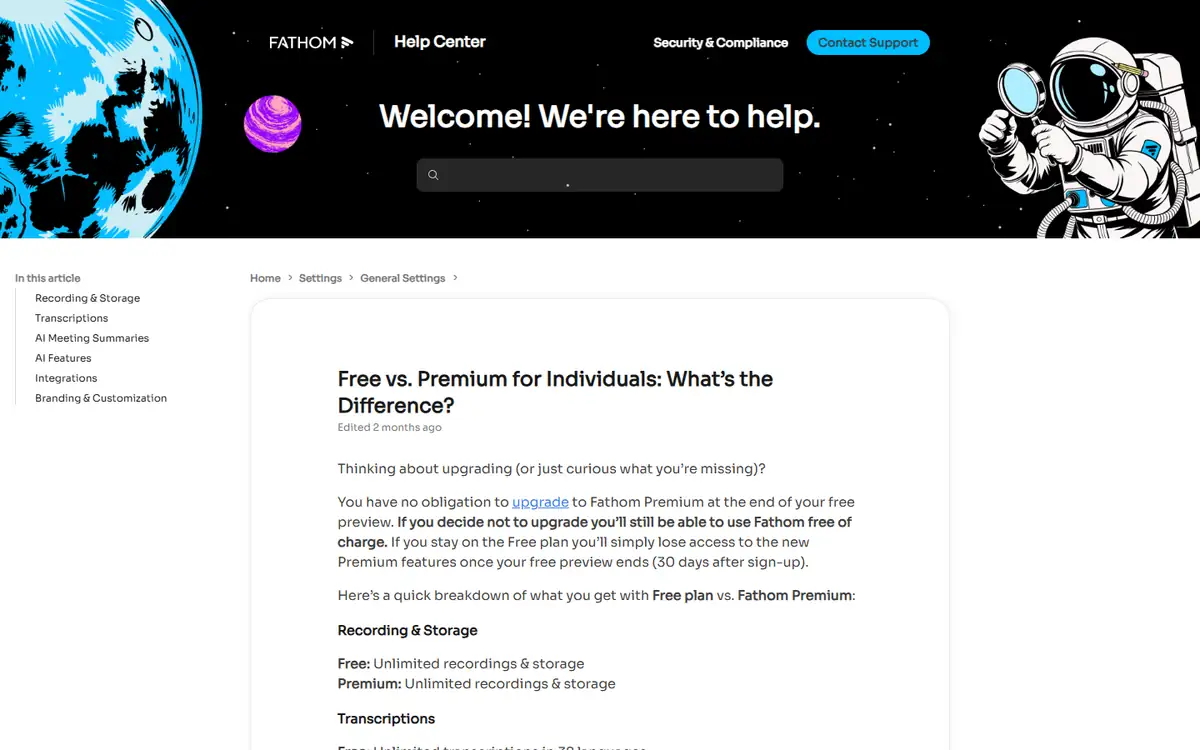
Fathom vs tl;dv: documented workflow comparison
| Need | Fathom | tl;dv | Pilot question |
|---|---|---|---|
| Free capture | Current page lists unlimited recordings and transcriptions | Official materials describe unlimited recordings and transcription | Does the actual meeting platform admit the capture method? |
| Free AI notes | Advanced summaries have limited use on Free | Official plan article says 10 AI meeting notes/month on Free | What happens after the limit? |
| Team knowledge | Team search and Trackers; access depends on plan and view rights | Business multi-meeting insights and scheduled reports | Does the result cite the right call and speaker? |
| CRM field mapping | Business lists automated CRM field sync | Pro/Business workflows described in official product material | Which fields can a reviewer approve before write? |
| Coaching | Business lists metrics and AI scorecards | Business lists playbook monitoring and objection handling | Can a manager audit every cited moment? |
Fathom’s newer team search, Trackers, deal view and scorecards mean the old claim that only tl;dv handles cross-call coaching is too broad. tl;dv still has a documented sales-playbook route. A same-call, same-tier pilot is needed to choose between them.
Fathom: strengths and tradeoffs
Fathom’s strength is constraint. It behaves like a recording and follow-up workspace first, so the rep is less likely to spend time configuring dashboards before sending the promised material.
The free plan is unusually useful for raw capture, but the advanced layer is metered. After the first five calls, the change in summary depth can quietly alter a team’s process even though recording remains unlimited.
Where Fathom did well
- Unlimited recordings, storage, and transcription reduce anxiety about meeting volume.
- Evidence clips make it practical to challenge a summary without replaying the whole call.
- Follow-up drafts and action items sit close to the individual meeting workflow.
- The paid individual tier is easier to justify than a team intelligence platform for one seller.
Where Fathom fell short
- Advanced summaries and related AI actions are limited on the free plan after the first five calls.
- Cross-call coaching and team governance move value into higher team tiers.
- A call shared into a team context can change seat and access assumptions on some plan structures.
- A focused workflow offers less room for bespoke multi-meeting operations than tl;dv.
Fathom may suit a founder or account executive who needs to leave a call, confirm the facts, and send the next step in ten minutes. Its newer Team and Business features also deserve a direct management-workflow comparison.
tl;dv: strengths and tradeoffs
tl;dv becomes more persuasive when meetings are a dataset. Its workflow is built to find patterns, route insights, compare behavior, and apply sales frameworks across more than one conversation.
That breadth also creates setup work. A team must decide which templates, topics, reports, and destinations matter, or it will automate a large amount of low-value meeting text.
Where tl;dv did well
- Cross-meeting questions answer management problems a single-call summary cannot.
- Sales playbook monitoring can turn BANT or MEDDIC from a form into a review process.
- A wide integration surface supports CRM, Slack, and downstream reporting workflows.
- Bot-free capture options can matter where meeting platforms restrict third-party bots.
Where tl;dv fell short
- The strongest sales features sit above the basic individual workflow.
- More automation means more places for an incorrect field or summary to propagate.
- AI-note limits on entry plans can matter even when recording is advertised as free.
- Teams need governance for templates and reports or managers receive inconsistent data.
tl;dv may suit a sales manager reviewing dozens of calls, especially when objection tracking and coaching consistency matter. A solo user may pay with configuration time before gaining the team-level benefit.
Fathom vs tl;dv edge case that changes the winner
The winner changes when a prospect refuses a visible meeting bot. The best summary engine is irrelevant if company policy or the host blocks the recording method before the call begins.
The proposed pilot should include a buyer statement with two owners and no agreed date. A useful system should preserve uncertainty, not manufacture a deadline because the CRM field expects one.
| Failure point | Fathom | tl;dv | Operational response |
|---|---|---|---|
| Bot not admitted | Desktop or extension options may preserve capture depending on platform | Bot-free Google Meet capture is part of the product direction | Test on the exact conferencing platform before rollout |
| Ambiguous commitment | Review transcript and clip before accepting action items | Use a custom note structure that allows ‘date not agreed’ | Never force unknown values into required CRM fields |
| Manager asks across 50 calls | Requires team search and the right plan | Business multi-meeting intelligence | Compare with Fathom Team/Business search and Trackers |
This is why I would pilot recording reliability before summary quality. A failed capture can invalidate the follow-up workflow, regardless of subscription cost.
Fathom vs tl;dv workflow economics
The subscription is a small part of the cost. A useful cost model is review minutes per call multiplied by monthly calls, plus the cost of correcting a bad CRM update.
Fathom may reduce per-call handling when the single-call handoff is configured well. tl;dv may reduce manager analysis time across a portfolio, which is a different and often larger pool of labor.
| Cost driver | Fathom | tl;dv | What to measure |
|---|---|---|---|
| Rep review time | Lower for a simple call-to-email path | Can be low after templates are standardized | Minutes from meeting end to approved follow-up |
| Manager analysis | Useful but less central to the product shape | Cross-call reports can remove manual sampling | Hours spent listening to representative calls |
| Integration maintenance | Fewer routes to monitor | More routes and reports can require an owner | Broken field mappings per quarter |
| Error blast radius | Usually one call | A report or automation can affect many records | Number of downstream systems touched |
For ten calls a month, optimize the rep’s handoff. For hundreds of calls, price the manager’s review queue and the revenue risk of missed objections.
Fathom vs tl;dv quality controls that matter
Judge a note against the source recording, not its fluency. The reviewer should preserve speaker, certainty, negation and timing; a paraphrase that changes “might” to “will” fails.
- Check names, amounts, dates and negation against the transcript and recording.
- Require an accessible source timestamp for each objection, commitment and coaching claim.
- Record correction count and reviewer minutes on the same consented calls.
- Keep customer email and manager coaching in separate approval paths.
- Test deletion, permissions and CRM field rollback before connecting production customer records.
One call does not establish a lasting rep-performance conclusion. Review coaching language and audience separately.
Fathom vs tl;dv pricing and free access
On October 20, Fathom’s current pricing page lists individual Free and Premium at $16 per user/month with annual billing or $20 monthly. Team is $15 annual-equivalent or $19 monthly per user, with a two-user minimum; Business is $25 or $34 respectively, also with a two-user minimum. The Business tier lists CRM field sync, deal view and coaching metrics. Free keeps unlimited recording and transcription but advanced summaries have limited use.
tl;dv’s live pricing page is interactive; its official 2026 product articles describe Free, Pro at $18 per seat/month annually and Business at $29 per seat/month annually. The same official material describes 10 AI notes/month on Free, Pro CRM/API integrations and Business multi-meeting insights. Verify current checkout, region, taxes and seat count before buying.
| Buying question | Fathom | tl;dv | Check |
|---|---|---|---|
| Solo capture | Free recording/transcription; limited advanced AI | Free recording/transcription; stated AI-note allowance | Run through the monthly limit |
| Team intelligence | Team search and Trackers; Business coaching/CRM fields | Business multi-meeting and playbooks | Match the plan to the report needed |
| Seats | Team and Business require at least two users | Confirm billed viewers and admins | Price the real team |
| Privacy | Access and retention controls vary by tier | Review sharing and retention for the chosen plan | Check with a synthetic call first |
Compare the feature-complete plan for the actual workflow, not the lowest headline price.
Current primary sources: Fathom pricing, Fathom Free and Premium limits, Fathom Trackers, tl;dv pricing and tl;dv CRM workflow and plan context.
Fathom vs tl;dv privacy and data handling
Meeting recordings contain customer names, pricing, security concerns, and employee performance data. This is not ordinary note-taking data once it enters a searchable team repository.
Consent, retention, sharing defaults, and CRM propagation matter more than the marketing claim that a recording is private. A private source can become widely visible through an automated destination.
- Confirm recording consent rules for every participant location.
- Restrict cross-call search and coaching views by role.
- Test deletion and export with non-sensitive material before adding customer data.
- Save the policy version and plan name used for the decision.
Run the pilot with synthetic calls, then set deletion and access rules before connecting the production CRM. Do not wait for the first access request to learn how copies are retained.
Recheck the official Fathom page and the official tl;dv page before uploading confidential material or paying. Product limits and policy language can change after this review date.
Switching between Fathom and tl;dv
The raw recording and transcript are the portable assets. Custom summaries, coaching dashboards, playlists, trackers, and automation mappings are the expensive part to rebuild.
A switch is easy after ten calls and painful after ten thousand because historical questions depend on consistent metadata and access rules.
- Export a recording, transcript, summary, clips, and action items before buying.
- Document every CRM field mapping and automation owner.
- Keep a neutral meeting ID so records can be reconciled after migration.
- Test whether shared links and evidence timestamps survive export.
Choose the platform whose proprietary layer you expect to use. If you only need transcripts, avoid building a large process around a closed coaching taxonomy.
Who should use Fathom or tl;dv?
Fathom is best for
- Founders and individual sellers
- Teams prioritizing fast post-call follow-up
- Users who want useful free capture before upgrading
tl;dv is best for
- Sales managers reviewing patterns across calls
- Revenue teams using formal playbooks
- Operations teams routing meeting insight into many systems
Who should use neither tool
- Organizations that prohibit third-party recording or cloud transcription.
- Calls where participant consent cannot be obtained or reliably recorded.
- Teams that cannot keep a human approval step before a high-impact action or publication.
The wrong choice is usually caused by buying for the transcript demo while ignoring who reviews, distributes, and corrects the output.
Fathom vs tl;dv: final buying decision
For a five-person founder-led sales team, pilot both products and measure time to an approved follow-up. That test exposes immediate value without requiring a reporting program.
For a managed sales organization, compare both paid team workflows on one consented team and one playbook. Scale only after the cross-call report changes a reviewed coaching or pipeline decision.
- Consider Fathom for a simple meeting-to-follow-up path.
- Compare both paid team products when a group of meetings is the unit of analysis.
- Require timestamps for commitments and objections.
- Price the plan that contains the needed intelligence layer.
Choose based on verified evidence handling, team controls and total plan cost; both now offer meaningful cross-call features.
For more comparisons, visit the AI tool comparisons hub.
Fathom vs tl;dv FAQ
Is Fathom or tl;dv better for a solo salesperson?
Fathom is the simpler default because its recording-to-follow-up workflow is focused and its free capture limits are generous.
Which tool is better for sales coaching?
tl;dv has the stronger fit when managers need playbook monitoring and patterns across many calls.
Are Fathom and tl;dv really free?
Both offer free entry points, but advanced AI notes, retention, cross-meeting analysis, and sales controls vary by plan.
Can either tool update a CRM automatically?
Both support CRM-oriented workflows. Review mappings and require evidence before automated updates reach production records.
Next step
Run a five-call pilot with one scorecard: follow-up time, factual corrections, missed commitments, and manager review time. Choose the platform that reduces the total, not the one with the longer feature list.